
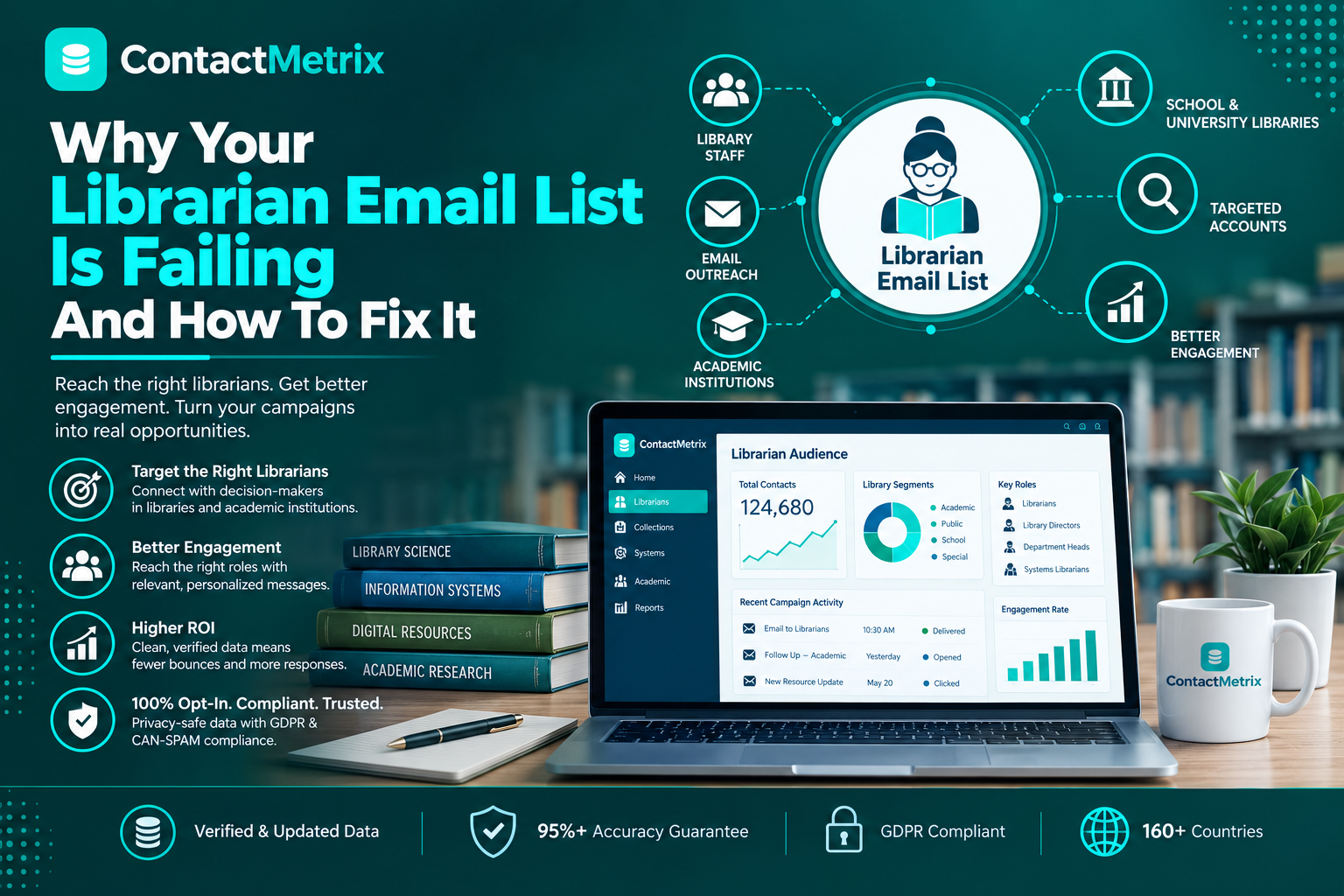
Your librarian email list might not be working as well as you expected because you may assume all librarians have the same needs.
Systems librarians, collections coordinators, and library directors all have different duties, budgets, and priorities. Systems librarians focus on technology and system setup. Collections coordinators handle resources and buying materials. Directors manage budgets, planning, and overall library administration.
Still, many general librarian mailing lists send the same message to everyone.
When everyone gets the same message, it’s hard to build real connections. This often means less engagement, more bounced emails, and fewer qualified leads.
A successful librarian email list isn’t about having the biggest database. It’s about having the right contacts, accurate job titles, and clear segments, so your message reaches the people who can actually influence buying decisions.
Why Generic Librarian Email Database Lists Fail
There isn’t just one type of librarian. Different librarians have different duties, budgets, and responsibilities when it comes to buying materials.
- Branch managers carry out various tasks, oversee staff, and monitor the branch’s budget.
- The individuals in charge of collections manage the books, databases, and other library materials.
- IT specialists manage the library’s technology, computers, and technical systems.
- The people in charge of youth services organize activities for children and manage budgets for these events.
- Those in charge of digital resources manage e-books, online platforms, and subscriptions.
A common problem with librarian email databases is putting everyone on one list and treating all contacts the same way.
This can hurt your campaigns because the right message might go to the wrong person, and you could miss the real decision-maker.
To solve this, don’t just grow your list—make it more targeted. Organize your contacts by role, duties, and buying authority so you can send each librarian messages that matter.
The Five Librarian Roles Your Email List Confuses
Most vendors miss this because it’s about more than just collecting contact info. You need to understand how libraries actually work. Here are the key things to look for when judging a librarian email list.
The Collections Librarian
The library chooses what to buy. The Collections Librarian usually reviews books, journals, databases, e-books, and other digital materials. Sometimes her job is listed as Acquisitions, Collection Development, Serials, or Electronic Resources.
Standard contact lists often fail because messages meant for IT, programming, or circulation staff end up in the collections librarian’s inbox. If you use the wrong job title, your proposal might be ignored.
The Systems Librarian
The Systems Librarian oversees the library’s technology and infrastructure, including the ILS, system integrations, authentication, and technology platforms.
You should be able to recognize him by titles such as Systems, Technology, Digital Services, Metadata, or IT.
The Special Collections Librarian
The Special Collections Librarian manages rare books, manuscripts, archives, and historical materials. She also oversees digitization and preservation projects.
You can identify her by titles like Archives, Special Collections, Preservation, Manuscripts, or Rare Books.
The School Media Specialist
The School Librarian works in a K-12 school and has different budgets, needs, and buying processes than university librarians.
You can identify her through titles like Media Specialist, School Librarian, or Instructional Librarian.
The Library Director
The Library Director sets strategy and approves major purchases, budgets, and institutional decisions. She works with the board and leads the library’s overall direction.
You can identify her through titles like Library Director, Branch Manager, or Head of Libraries.
Looking to Connect with Librarians ?
What Changes When You Use a Smarter Librarian Email List
A smarter librarian email list changes who you reach and the results you get.
Instead of sending the same message to everyone, you can reach out to each contact based on their role, responsibilities, and buying authority. This way, your budget goes to people who are more likely to need, influence, or approve your solution.
Here’s what the difference can look like:
Before — Generic Librarian Mailing List
- 8,000 general library contacts
- 28% bounce rate
- 12% open rate
- 0.3% qualified opportunity conversion
- $32.67 cost per qualified opportunity.
After — Smarter, Role-Based Librarian Email List
- 3,200 verified collections librarians and subject specialists
- 8% bounce rate
- 34% open rate
- 4.2% qualified opportunity conversion
- $4.79 per qualified opportunity
The difference is clearly due to bad contacts, higher engagement, and a 6.a 6.8xtimes better ROI.
Because the group of librarians is not a single group; collections librarians, systems librarians, school librarians, and library directors all have different responsibilities, budgets, priorities, and buying authority.
A smart librarian email database lets you separate these roles and tailor your message to what each group needs.
You get the right contact, the right message, and better opportunities.
Why ContactMetrix Builds Librarian Email Lists Differently
ContactMetrix knows what many mailing list providers overlook: no single list fits every library audience.
We focus on accuracy, not just contact volume. Our librarian email list helps you reach the right people based on their roles, responsibilities, and buying authority.
A systems librarian needs a different message than a collections librarian. K-12 media specialists have different needs than academic librarians. Library directors look for different solutions than department leads.
Here’s what makes our librarian email database different:
Smart Segmentation
We segment contacts by job function and decision-making role, not just job titles. This lets you target collections teams with collection offers, systems teams with tech solutions, and directors with strategic messages.
Phone Verification
We call to verify contacts, making sure they’re still in the right role, at the right organization, and relevant to your audience.
Frequent Data Refreshes
We update our librarian mailing list every 30 to 45 days to keep up with job changes, retirements, and staff moves. This lowers the risk of using outdated contacts.
Hard Bounce Replacement
If a contact bounces, we replace it for free. We stand by the quality of our data.
Data You Own
When you buy a librarian email list from ContactMetrix, the data is yours to use for your campaigns with no ongoing access fees.
Dedicated Support
Our team helps you build the right audience for your target market, sales goals, and ideal customer profile. We can also help you create useful segments in your librarian database.
The ContactMetrix Difference
You’re not just buying a database. You’re getting a targeted librarian email list designed for how libraries really make purchasing decisions.
You’ll waste less time, target better, and have more relevant conversations.
Want to Build a Targeted Librarian Email List?
Why This Matters Right Now
Libraries are changing fast as digital services grow, spending priorities shift, and new responsibilities bring in different decision-makers.
This makes outdated data a real problem. A librarian email list with old information can quickly become useless as people change jobs, organizations shift, and buying needs change.
It’s not about having a huge librarian mailing list. What matters is having valid, up-to-date contacts with the right jobs, duties, and authority to make decisions. Vendors who get this will have better conversations, reach the right people faster, and spend less.
It’s not about quantity—it’s about precision.
Final Thoughts
Stop buying generic librarian email lists and hoping for results.
Your librarian mailing list should focus on precision, not just size. It should help you reach the right people based on their roles, responsibilities, and buying authority.
Look for a librarian email database that offers:
- Role-based segmentation by real job function
- Phone-verified contacts you can trust
- Fresh data updated every 30–45 days
- CRM-ready formats for easy campaign use
When your data is accurate and well-segmented, you spend less time on the wrong contacts and more time talking to people who can actually influence or approve a purchase.
Connect with the right people, have better conversations, and discover more opportunities.
Want to improve your targeting?
Try a free sample of ContactMetrix’s librarian email database and see real contacts that match your target profile.
You don’t need a credit card or any commitment. Check out real data before you decide.
Frequently Asked Questions
1. Which companies offer services to verify and enhance librarian email lists?
Companies such as ContactMetrix offer librarian email list verification, enrichment, segmentation, and data enhancement services.
2. Why is your librarian email list not engaging subscribers and how can I improve it?
If the librarian email list is not receiving a great deal of response or engagement, this may be due to the fact that your contacts are outdated, not properly segmented, or are being sent messages that are not appropriate for their roles. To improve response rates, use current information, segment contacts by job function, personalize your messages, and send offers to the right people.
3. Why library email open rates are low?
Low library email open rates are often caused by outdated contacts, weak subject lines, poor targeting, or irrelevant content. Use a verified library email list and send role-specific messages.
4. What email marketing tools are best for fixing a failing librarian contact list?
Tools like HubSpot, Mailchimp, and Brevo can help clean, segment, and personalize campaigns. Pair them with a verified librarian contact list for better results.
5. How to clean and update a librarian email list to increase open rates?
Clean your list by removing invalid or outdated contacts, verifying emails, and updating job roles. Then segment contacts by role and send relevant, personalized emails to improve open rates.
